Best hardware wallets in 2026: every Trezor and Ledger compared
A hardware wallet keeps the keys to your crypto on a small device that never exposes them to your computer or phone. Trezor and Ledger make almost all of the ones worth buying. Here is every model they sell today, compared on the things that actually differ.
We earn a commission from both Trezor and Ledger if you buy through the links on this page, at no cost to you, so neither brand pays us more to be recommended. Disclosure.
Quick picks
Best value
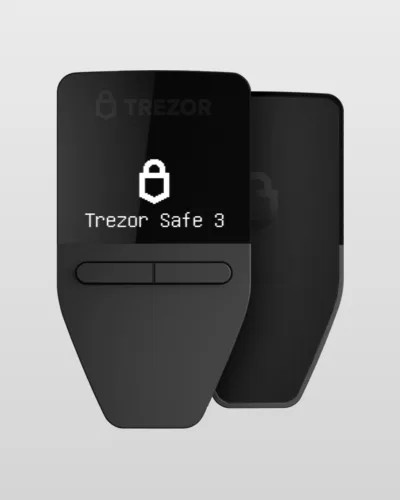
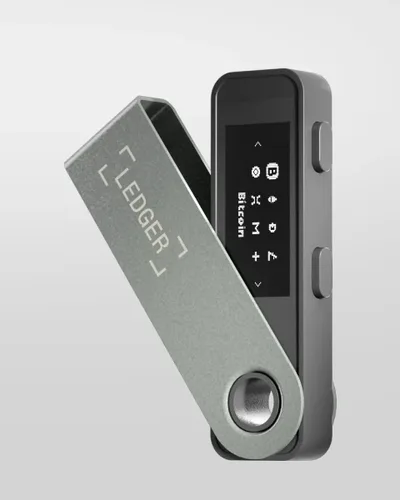
Trezor Safe 3 $59 · Ledger Nano S Plus $69
Both keep keys in a certified secure element and handle thousands of coins. The Safe 3 is cheaper and its firmware is fully open source; the Nano S Plus has a slightly bigger screen.
Touchscreen without Bluetooth
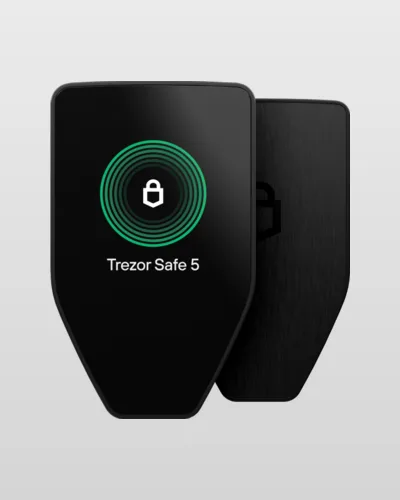
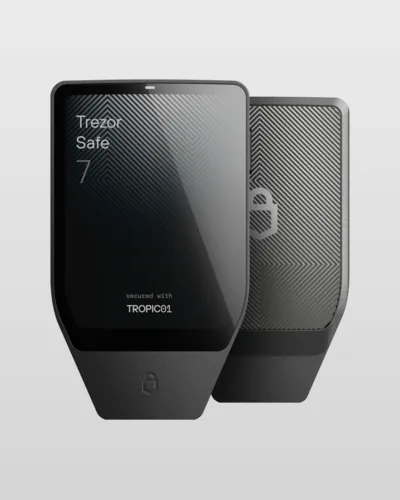
Trezor Safe 5 $129
A color touchscreen makes checking addresses and typing a passphrase much easier, and with a cable-only connection there is no wireless link to worry about.
Mostly on your phone
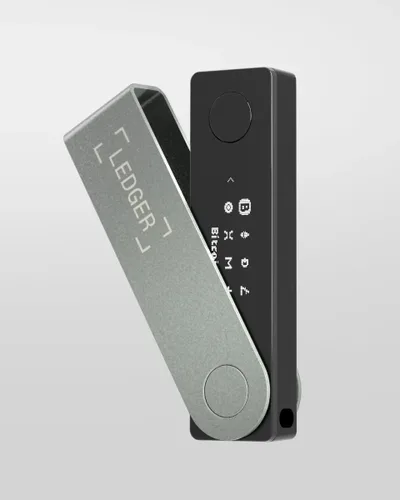
Ledger Nano X $99 · Trezor Safe 7 $249
Bluetooth and a battery let you sign on an iPhone or Android without a cable. The Nano X is the cheapest way to get that; the Safe 7 does it with open-source firmware.
Big screen, premium build
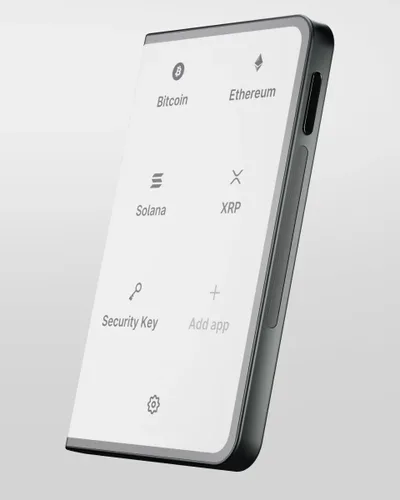
Trezor Safe 7 $249 · Ledger Stax $399
The Safe 7 has an aluminum body, a 2.5" color touchscreen and wireless charging. The Stax has the largest screen of any wallet, a curved E Ink display.
Every model compared
| Model | Price | Screen | Connects by | Battery | Open-source firmware | Bitcoin-only edition |
|---|---|---|---|---|---|---|
| Trezor Safe 3 | $59 | Monochrome, two buttons, 0.96" | USB-C | No | Yes | Yes |
| Trezor Safe 5 | $129 | Color touchscreen, 1.54" | USB-C | No | Yes | Yes |
| Trezor Safe 7 | $249 | Color touchscreen, 2.5" | USB-C, Bluetooth, wireless charging | Yes | Yes | Yes |
| Ledger Nano S Plus | $69 | Monochrome, two buttons, 1.1" | USB-C | No | Partly (apps, not the OS) | No |
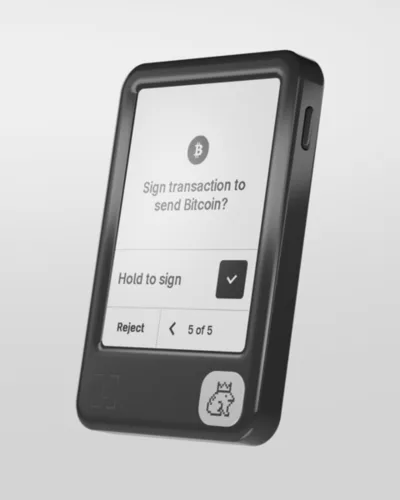
| Ledger Nano X | $99 | Monochrome, two buttons, 1.1" | USB-C, Bluetooth | Yes | Partly (apps, not the OS) | No |
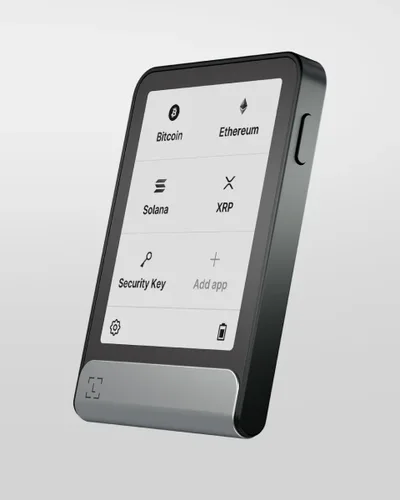
| Ledger Nano Gen5 | $179 | E Ink touchscreen, 2.8" | USB-C, Bluetooth, NFC | Yes | Partly (apps, not the OS) | No |
| Ledger Flex | $249 | E Ink touchscreen, 2.8" | USB-C, Bluetooth, NFC | Yes | Partly (apps, not the OS) | No |
| Ledger Stax | $399 | Curved E Ink touchscreen, 3.7" | USB-C, Bluetooth, NFC, wireless charging | Yes | Partly (apps, not the OS) | No |
US list prices on trezor.io and shop.ledger.com on Oct 29, 2026. Both brands run sales often and charge different prices in other countries, so check the final price at checkout.
Not sure which brand? Read Ledger vs Trezor
How to choose
Open source or not
Trezor publishes all of its firmware, so anyone can check what the device does. Ledger publishes its apps but not the operating system. Ledger also sells an optional paid service, Ledger Recover, that stores an encrypted backup of your recovery phrase; it stays off unless you sign up.
Cable or Bluetooth
Bluetooth is convenient if you mostly use a phone, and the keys never leave the device either way. A cable-only wallet simply has one less thing to think about. Note that the Safe 3 and Safe 5 have limited iPhone support; the Safe 7 and every Ledger except the Nano S Plus work fully with iOS.
Screen and buttons
You confirm every address and amount on the device, so a bigger screen means fewer mistakes. Two-button models work fine but typing a passphrase on them is slow.
Where to buy
Only from the maker or an authorized reseller, never second-hand. A real wallet never comes with a recovery phrase already filled in: if yours does, do not use it.
Back up your recovery phrase on metal
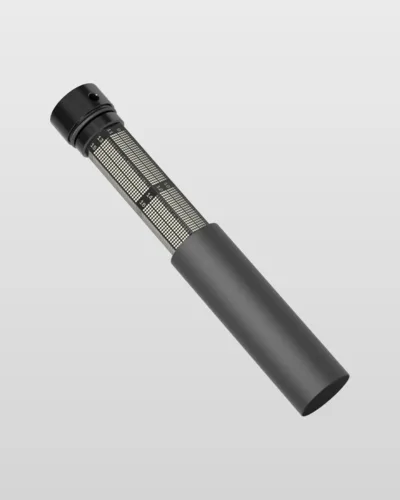
The 12, 20 or 24 words you write down at setup are the real key to your coins. Paper burns and fades; a stamped steel plate does not. Any good metal backup works with either brand, including these from Trezor:
Do you need one?
If you keep a small amount on an exchange to trade, probably not yet. Exchanges can freeze withdrawals or fail, though, so once your crypto is worth more than you would be comfortable losing, a wallet you control is worth its price.
A good rule: if you have been buying regularly for a few months, move the coins off the exchange.
Questions
Is Trezor or Ledger better?
Both are secure for most people. Choose Trezor if open-source firmware matters to you, and Ledger if you want the widest choice of Bluetooth models. Within each brand, pay for a bigger screen if you will use it often.
What is the cheapest safe hardware wallet?
The Trezor Safe 3 and Ledger Nano S Plus, both under $70 at list price. Neither cuts corners on security: they use the same kind of secure element as their more expensive siblings.
What happens if I lose my hardware wallet?
Your coins are not on the device, they are on the blockchain. Buy another wallet (from either brand), enter your recovery phrase, and everything comes back. That is why the phrase must be stored safely and never typed into a website or phone app.
Do I need a Bitcoin-only wallet?
Only if you hold nothing but Bitcoin and want the smallest possible firmware. The standard models handle Bitcoin just as well, plus other coins.